Honeywell Vuquest 3320g: The Hands-Free Scanner That Speeds Service
Speed wins customers, and few tools accelerate a counter or drive-thru like a dependable barcode scanner. The Honeywell Vuquest 3320g is a compact, hands-free area-imaging scanner built to read codes off screens, labels, and mobile phones in a single fast pass. In 2026, as businesses chase shorter lines and quicker transactions, this device has become a quiet workhorse behind many efficient service points.
This review-style guide breaks down what the scanner does, where it shines, and how it fits into modern retail and quick-service operations. If you are weighing a hardware upgrade this year, read on before you buy.
What Makes the Honeywell Vuquest 3320g Stand Out
The Vuquest 3320g uses area-imaging technology, which means it captures a full image of the barcode rather than sweeping a laser line. That approach reads damaged, low-contrast, and on-screen codes that older laser scanners often miss.
Its presentation-style design lets staff simply hold an item in front of the scanner, freeing both hands for bagging and payment. For a full technical breakdown, the Honeywell Vuquest 3320g product page covers connectivity, cabling, and mounting options in detail.
Key Strengths at a Glance
- Reads 1D, 2D, and mobile-phone barcodes reliably.
- Compact footprint that fits crowded counters.
- Hands-free presentation mode for faster throughput.
- Durable build rated for repeated daily use.
Where the Scanner Delivers the Most Value
Any environment with repetitive scanning benefits, but a few settings see dramatic gains. Retail checkouts, pharmacies, and loyalty-program counters all rely on quick, accurate reads.
Drive-Thru and Quick Service
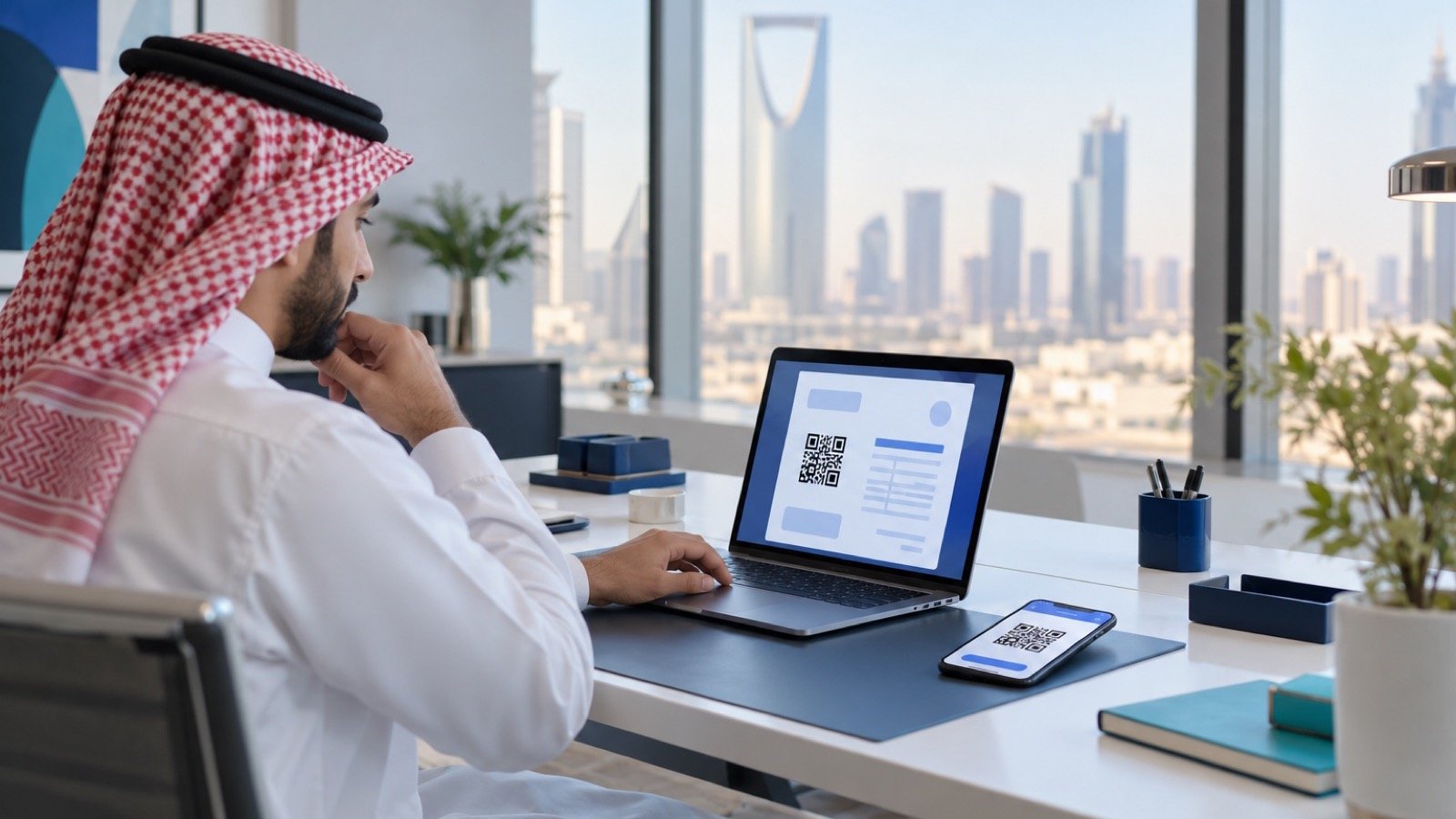
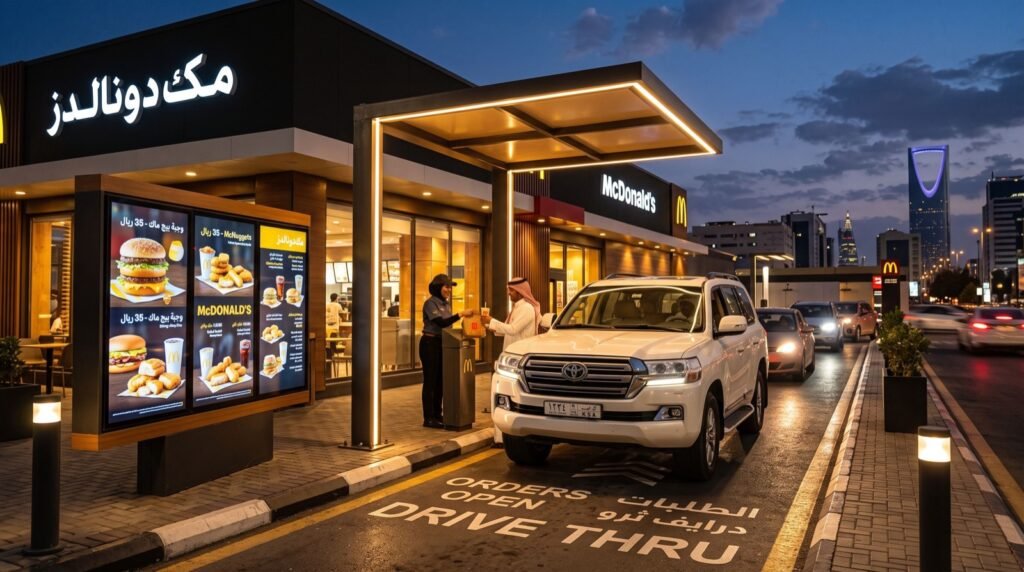
Mobile coupons and app-based orders now dominate quick service. Scanning a phone screen through a car window demands a device that handles glare and motion. Pairing the Vuquest with dedicated Drive Thru Solutions keeps the line moving and reduces order errors during peak rush.
Retail and Pharmacy
Cashiers scan hundreds of items per shift. A hands-free imager cuts wrist strain and shaves seconds off every transaction, which adds up to real time savings across a busy day.
How Does the Vuquest 3320g Compare to Laser Scanners?
Buyers often ask whether an imager is worth the upgrade over a familiar laser scanner. The table below lays out the practical differences.
| Capability | Vuquest 3320g Imager | Traditional Laser Scanner |
|---|---|---|
| Reads phone screens | Yes | Often no |
| 2D QR codes | Yes | No |
| Damaged barcodes | Strong | Weak |
| Hands-free mode | Built in | Limited |
Setup and Integration Tips
Deploying the scanner is straightforward, but a few practices make it smoother. Plan cabling and mounting before the rush, and test with your real barcode formats first.
- Confirm the interface: Choose USB, keyboard-wedge, or serial to match your point-of-sale.
- Position for glare control: Angle the unit away from overhead lights and windows.
- Test mobile codes: Verify reads on both bright and dim phone screens.
- Train the team: Show staff the presentation sweet spot for fastest scans.
An Original Field Tip
Keep a small microfiber cloth at each station. A smudged scanner window is the number-one cause of slow reads, and a ten-second wipe each morning prevents most complaints. This tiny habit protects your throughput far more than any firmware tweak.
Standards, Reliability, and Support
Barcode performance depends on well-formed codes as much as good hardware. The global standards body GS1 maintains the specifications that keep barcodes readable across systems, and quality imagers like the Vuquest are tuned to those specs.
For durability data and warranty terms, the manufacturer resource at Honeywell Safety and Productivity Solutions is the authoritative reference. When you source hardware, buy from quality service providers who offer local support and genuine warranty coverage.
Is It the Right Choice for 2026?
As mobile ordering, digital loyalty, and contactless payment keep growing, the ability to read phone screens is no longer optional. The Honeywell Vuquest 3320g answers that need at a reasonable price point, making it a smart, future-ready pick for most service counters this year.
Total Cost of Ownership
Hardware price is only part of the story. Smart buyers weigh the full cost of ownership across several years before choosing a scanner.
An imager that reads on the first pass reduces re-scans, which saves seconds that multiply across thousands of daily transactions. Fewer misreads also mean fewer pricing errors and refunds, protecting both revenue and customer trust.
Durability matters just as much. A rugged unit that survives daily counter use for years costs far less over its lifetime than a cheaper model replaced twice as often.
What to Budget Beyond the Device
- Cables and mounting hardware matched to your counter layout.
- Brief staff training to nail the presentation sweet spot.
- A spare unit for high-traffic sites to avoid downtime.
- Warranty coverage and a local support contact.
When you tally these factors, a reliable imager usually wins on value even if its sticker price sits slightly higher. Speed, accuracy, and longevity pay you back every single shift.
Remember to factor in the cost of downtime as well. A counter that stops scanning during a lunch rush loses sales and frustrates customers who may not return. Investing in proven hardware and a nearby support contact protects those peak-hour revenues far better than chasing the lowest upfront price.
Frequently Asked Questions
Can the Honeywell Vuquest 3320g read barcodes from a phone screen?
Yes. Its area-imaging sensor captures on-screen codes, including dim or slightly cracked displays, which laser scanners frequently struggle to read.
Does it work hands-free?
Absolutely. The scanner supports presentation mode, so staff hold items in front of it and both hands stay free for bagging and payment.
What interfaces does it support?
Common options include USB, keyboard-wedge, and serial connections, letting the device integrate with most point-of-sale systems without special drivers.
Is it suitable for drive-thru use?
Yes. Combined with a dedicated drive-thru setup, it reads mobile coupons and app orders quickly, helping crews keep the lane moving during peak hours.
Conclusion and Next Steps
The Honeywell Vuquest 3320g blends speed, versatility, and durability into a compact package that fits almost any counter. For teams that live and die by transaction speed, it is one of the easiest hardware upgrades to justify in 2026.
Ready to shorten your lines? Confirm your interface, order from a trusted supplier, and give your staff a scanner that keeps pace with modern, mobile-first customers. Start your upgrade today.